16MULTIPLAYER GAMES
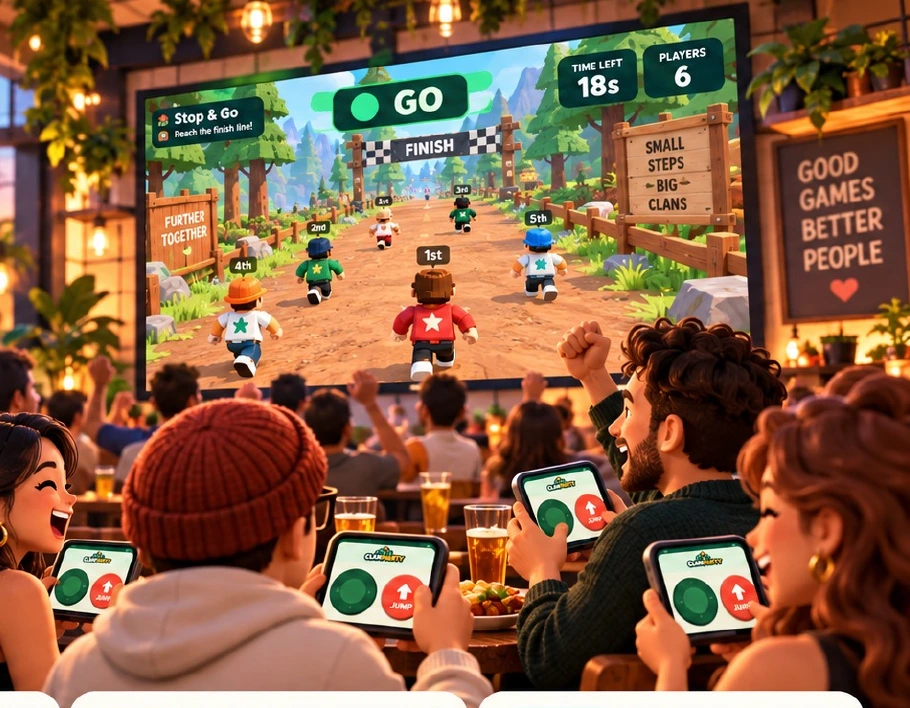
BIG-SCREENPARTY GAMESFOR VENUES
UP TO50PLAYERS · FULL PACKAGE
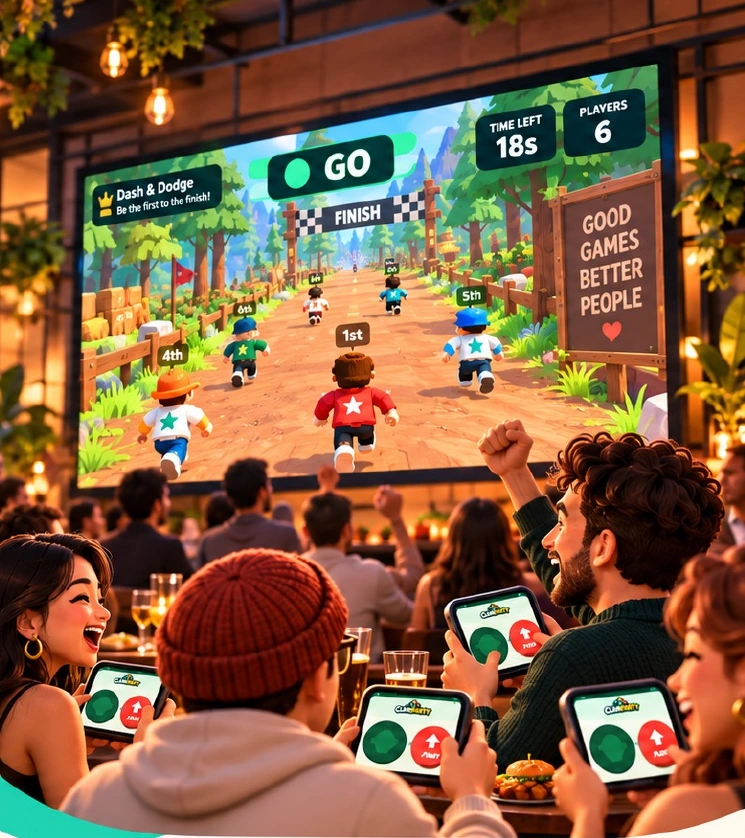
PHONES BECOME
CONTROLLERS
BARS, CAFÉS,
RESTAURANTS & EVENTS
Why venues choose
CLANPARTY
Spark instant interaction
Keep the energy going
Create moments people talk about
Open new opportunities
HOW IT WORKS
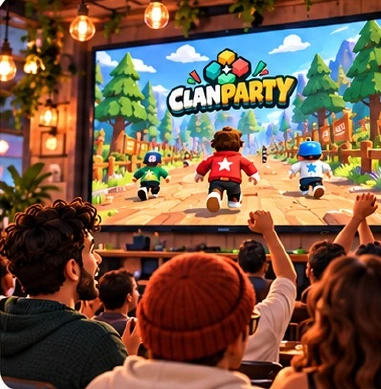
01
Install at your venue
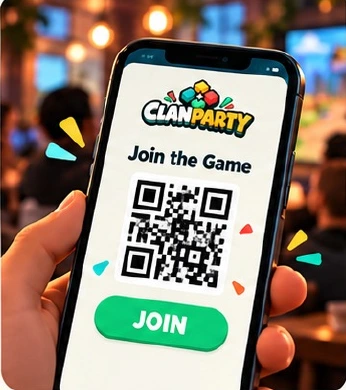
02
Scan the QR code
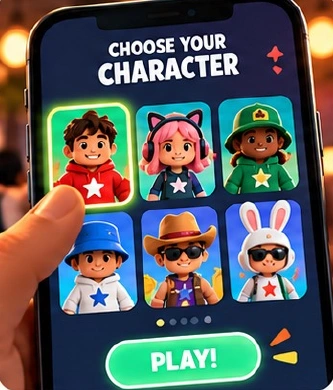
03
Choose a character
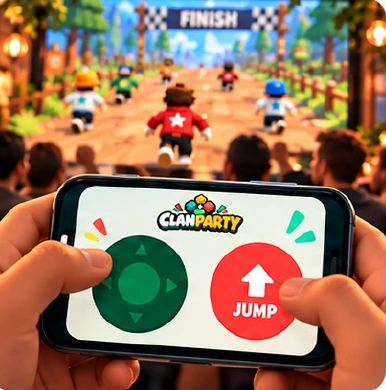
04
Play with your phone
THE GAMES
Gameplay video gallery
PACKAGES
LIMITED ACCESS
EARLY BIRD PACKAGE
RM1,000
First 10 merchants only- One-time payment
- Unlimited games
- Up to 50 players at once
DOWNLOADCLANPARTY
WINDOWS INSTALLER
Windows installer
Checking installer… ↓Checking the latest Windows release.
Internet required for installation. Phones join the PC's Wi-Fi network.Already installed? Open Merchant ↗Frequently asked
questions
What do I need to get started?
A Windows 10 or 11 64-bit PC, a TV, monitor or projector, and a reliable shared network. Internet is required for the first installation.
Do players need to install an app?
No. Players join the PC's Wi-Fi, scan the game QR and use their phone browser as a controller.
Which games can we play?
The full library includes all 16 games shown above. Limited Access includes 5 basic games. Every lobby theme uses the same game library.
How do I manage the games?
Open Merchant on your venue PC, sign in and press Show. Use the same merchant account in the Merchant website to manage your connected PC.
Who provides the prizes?
Your venue chooses and supplies the rewards — drinks, vouchers or whatever makes a win worth celebrating.